


 Speedball-FitGirl (HyperVisor Bypass)


 Action, Sports
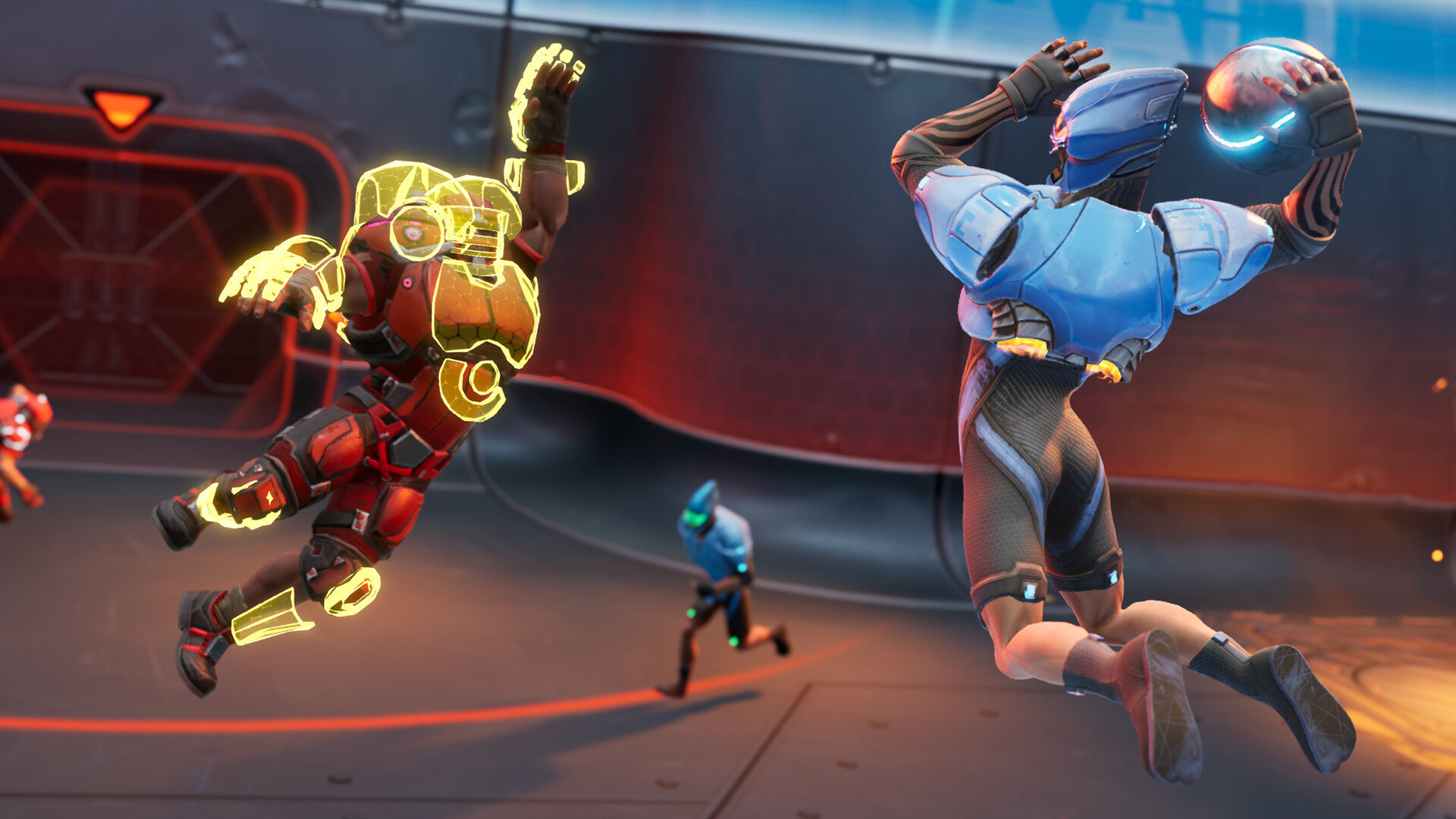
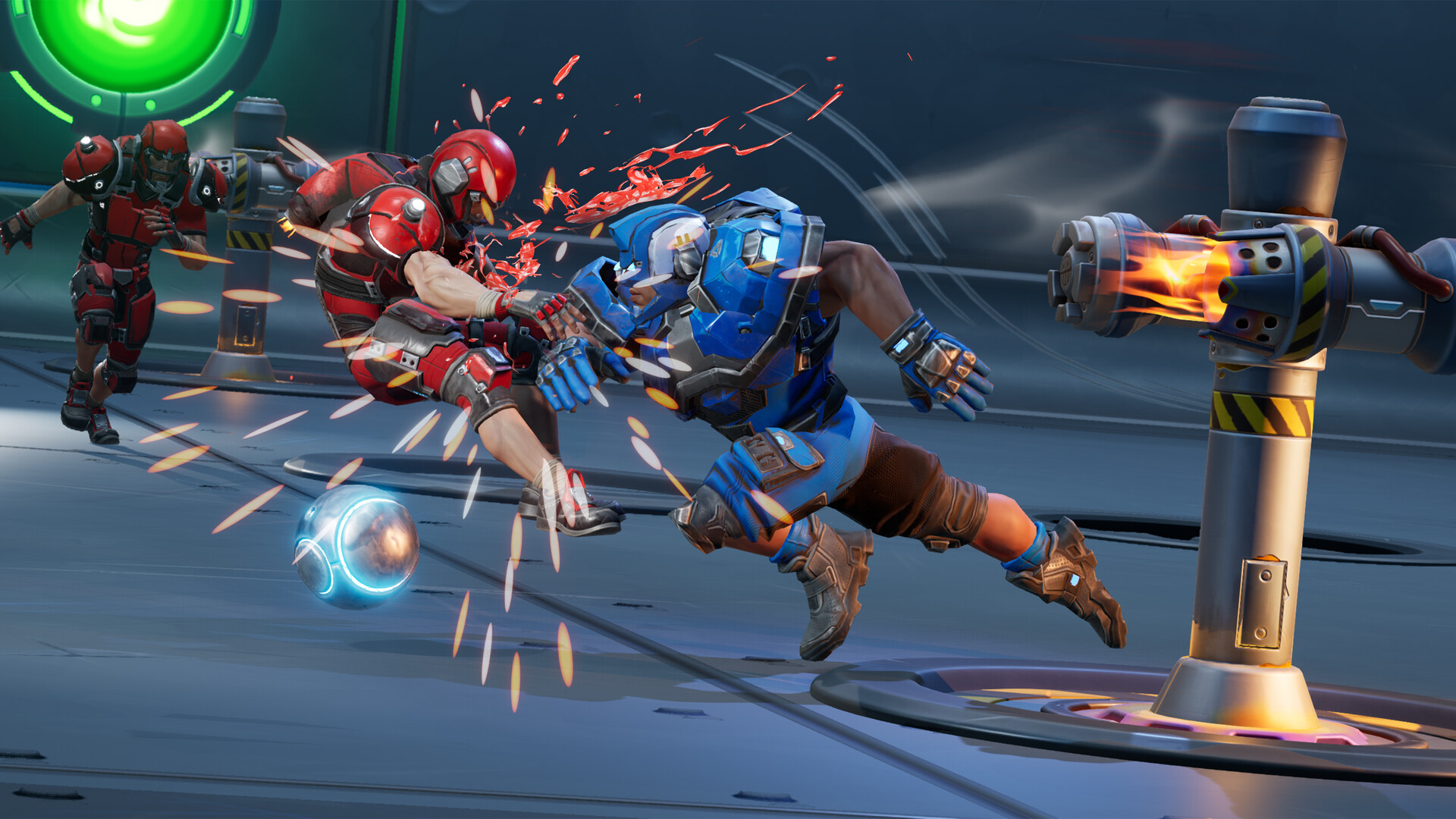
Speedball is a no-holds-barred arena sport pitting two teams head-to-head in a pulse-racing match-up requiring speed, agility and aggression.
Seamless top-down arena gameplay meets classic sports strategy – with added violence!
A new entry into the iconic Bitmap Brothers’ original series: venture into the grim future of 2138 where mega-corporations use Speedball to distract the downtrodden masses from their miserable lives.
Once an underground sport reviled for its brutality, Speedball has risen to unprecedented heights of popularity and profitability. Do you have what it takes to dominate the arena and take your team to the top?
BRUTALITY
Listen to the roar of the crowd and the crunch of broken bones as you perform visceral takedowns, battering opponents in an all-out rush to the goal. Use each arena’s unique traps and hazards to destroy the opposing team.
SPEED
It’s in the name - Speedball is fast-paced, explosive and unpredictable. You will need to master high-speed passing, coordination and shooting if you’re to climb to the top of the underground world of Speedball.
STRATEGY
Select, position and organise your players based on their strengths and weaknesses. Will your team be known for total aggression, or will you develop a defensive powerhouse? Your team, your rules.
CUSTOMISATION
Choose your home arena and personalise your team’s emblem, colours and armour for a custom-built online experience.
WAYS TO PLAY
Go up against the best of the best in online multiplayer, wrangle mates into a private lobby, tackle single player league mode or invite friends over for some old school couch gaming action! Step into the arena and play your way.
··Downloadlinks··





- install game
- educate yourself first by reading _Info.txt and DenuvOwO.nfo; CPU virtualization must be enabled in BIOS (some motherboards have it enabled as default setting)
- start "bin64/VBS.cmd" from game folder, press 1, restart computer, then on the next boot press F7 when new window will show up (driver signature OFF)
- start from desktop icon
Once you make it work, any other game with Hypervisor can be installed and played from desktop icon (as long as you don't restart/shutdown PC - then again VBS.cmd > 1 > reboot > F7 > desktop icon)
- Based on Steam BuildID 22321014 release: 12.1 GB
- Hypervisor Bypass (INTEL & AMD) by DenuvOwO + Goldberg emu applied over
- Many antiviruses, including Windows Defender are now marking HV files as rootkits, rendering games unplayable. To avoid it either turn off AV completely, or add source/target installation folders to exclusions
- VBS.cmd script v1.6.2 added
- Custom launcher added for easier HV steps processing
- Game version: v1.2.8.0
- 100% Lossless & MD5 Perfect: all files are identical to originals after installation
- NOTHING ripped, NOTHING re-encoded
- Significantly smaller archive size (compressed from 12.1 to 7.4 GB)
- Installation takes 7-22 minutes (depending on your system)
- After-install integrity check so you could make sure that everything installed properly
- HDD space after installation: 12.1 GB
- Language can be changed in “Engine/Binaries/ThirdParty/Steamworks/Steamv153/Win64/steam_settings/configs.user.ini” file
- Repack uses XTool library by Razor12911
- At least 2 GB of free RAM (inc. virtual) required for installing this repack